Asset Costs is where a machine's real cost comes from: what it costs to own each day, what servicing adds, and how much fuel it burns. An unpriced machine does not fail loudly. It costs $0 and makes the fleet look cheap, so the page opens on what is still missing.
Who can use it — "View budget tracking" opens the page. Editing rates or adding overrides needs "manage asset cost profiles". Without it you see the figures read-only. The depreciation switch under Assumptions needs "update tenant settings" to save. See Roles & Permissions.
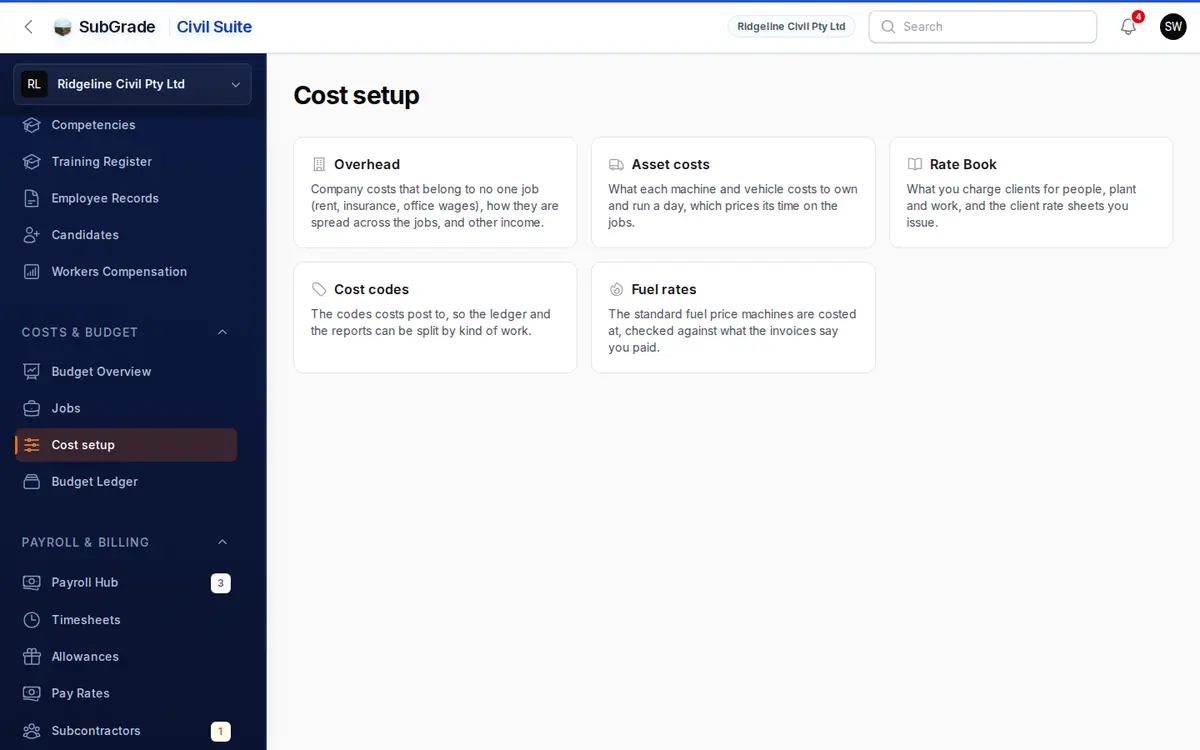
Where to find it — Costs & Budget → Cost setup, then Asset costs. The strip across the top moves between the Cost setup sections.
How to use it
The page has three tabs:
- Cost Book — what the cost book does not yet cover.
- Cost Rates — rates by category, and per-machine overrides.
- Utilisation — fleet activity against recorded cost.
Fuel usage & pricing, at the top, opens Fuel Usage. Fuel rates moved there, onto its Fuel Rates tab, beside what the invoices say you paid.
Cost Book
This shows how many active machines have at least one cost input, and which part is missing. That percentage measures whether inputs exist, not whether costing is complete, so read the detail.
- Next most valuable to fill in — categories with gaps, largest first. Components you deliberately set to zero or excluded show as decisions, not gaps.
- Costs you have already entered that are not being used — machines with compliance figures whose ownership source does not read them.
- Cost configuration to review — unsupported usage units, possible duplicate capital costs and conflicting lifecycle details.
- Assumptions — folded at the bottom. Include Asset Depreciation in Budget is off by default. Turn it on and machines with a depreciation method add depreciation to their cost, and the fleet is recalculated. Machine hours for costing always come from timesheets.
Cost Rates
Two tiles show how many categories and machines are priced. Below them is Cost Rates by Category, one row per category. Every machine uses its category's rates unless it has its own override, so a fleet usually needs a handful of rates, not one per machine.
Each row shows Category, Fuel, Service, Ownership and Coverage. Use Edit rates on a row to set:
- Ownership — registration, insurance, finance, lease:
- Use one figure for the class — enter Ownership cost, per calendar day.
- Work it out from each machine's records — adds up each machine's own documents. Machines with none logged contribute $0.
- Don't include ownership cost — a deliberate choice that will not be flagged.
- Servicing and maintenance:
- Accrue toward the next service — enter A service costs and Every so many hours, and the cost is spread across those hours. It works from day one with no history.
- Work it out from each machine's service history — needs logged services with costs and meter readings.
- Use one figure for the class — a flat Servicing cost per hour.
- Don't include servicing — a deliberate choice that will not be flagged.
- Fuel burn — average litres per hour for the class, priced at the fuel rate for each machine's fuel type.
Other actions:
- Use records for all categories — switches every category to compliance and service records. Check the Cost Book first, because machines with no records cost $0 for those parts. Changed categories are recalculated in the background, and locked periods are skipped.
- Override a machine — creates a cost profile for one machine.
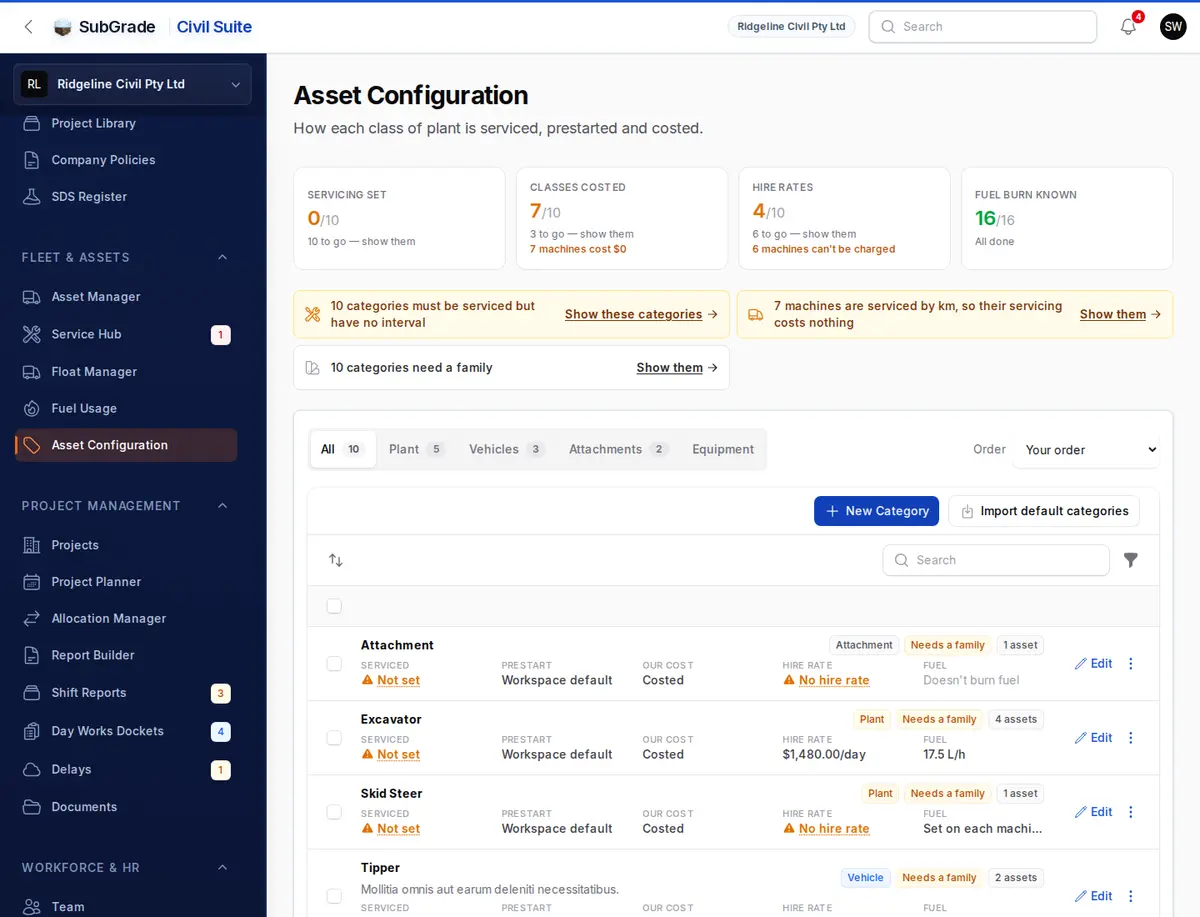
- Manage categories — opens your categories. See Asset Configuration, which has the same cost form under Set costs.
Per-machine overrides
Only the exceptions, where one machine's costs differ from its category. Each profile has:
- Asset.
- The same ownership and servicing questions as a category.
- Already included in the figures above — tick The operator (this is a wet rate), Fuel or Servicing if the rate already pays for it, so it is not charged a second time. Ticking the operator stops a separate labour row for whoever ran the machine.
- Effective From and Effective To — these cannot overlap another profile for the same machine.
Fuel burn is not on the profile. SubGrade uses the machine's own figure, then its library model's, then its category's.
New Cost Profile and Edit need the manage permission. Deleting a profile is a bulk action. The machine goes back to its category rate, and the change is recalculated.
Utilisation
Fleet activity and recorded costs for a date range and machine:
- Internal charges to jobs — project day-rate charges, not customer revenue.
- Recorded fleet cost.
- Recorded idle opportunity — what idle days could have charged.
- Recorded-day utilisation — Charged days, Days in the yard and Unaccounted days.
The machine list compares Internal charge with Fleet cost. The difference is not profit, and missing cost records can overstate it. Open a machine for its project and idle-day breakdown.
How this feeds the Budget Ledger
SubGrade uses a machine's own profile if one applies to the date, otherwise its category's rates. Costs then post in different ways:
- Ownership posts every calendar day as a fleet cost with no job, whether or not the machine worked.
- Servicing builds up from hours worked.
- Fuel follows hours on the job, using recorded litres when there are any.
- Depreciation, if switched on, posts daily for straight-line and by hours for hours-based methods.
- A job pays an internal hire rate for each day it holds a machine, from the Rate Book. That shows as Charged to job, separate from these real costs.
With no rate, the machine costs $0 and Budget Overview flags it under What needs action. A machine with no matching fuel rate is flagged too.
Connected pages
- Budget Ledger — where these costs post.
- Budget Overview — flags machines missing a rate or fuel price.
- Asset Configuration — categories, with the same cost form.
- Asset Manager — where a machine's category, fuel type and fuel use are set.
Tips & common mistakes
- A machine shows $0 in the budget. Check Coverage on Cost Rates, or the Cost Book.
- Set to records but still $0. That machine has no compliance or service records with a cost. Records never estimate.
- Fuel missing even though burn is set. There is no fuel rate for that fuel type on that date. Add one on the Fuel Rates tab of Fuel Usage. Then use Re-cost those days on Budget Overview for days already posted.
- A class really has no cost. Set it to Don't include, or use Nothing to cost in Asset Configuration, so it stops being flagged.
- A lease already includes fuel or servicing? Use Already included in the figures above on a per-machine override.