Moving systems can feel heavy, especially when you already have active jobs running. You don't have to load everything yourself: the Subgrade team sets up your workspace and brings your data in from what you send.
How it works
- You get a private onboarding link. Your Subgrade contact sends it. You don't need an account to use it, and several of your staff can share it.
- You work down the list. The page shows every section we need, ordered by how much it matters. You'll be usable long before you reach the end. The sections depend on your suites and can include people, assets, clients, projects, rates and customers.
- You send what you already have. Sections can offer a template to download, or questions to answer, but you can send whatever shape your records are already in. Each upload can hold up to 20 files of up to 20 MB each: spreadsheets, PDFs and images.
- We check it and load it. Nothing you send goes straight into your workspace. If some rows can't be loaded, you may be asked to fix them.
You can come back to the link as often as you like. Each link has an expiry date (normally 90 days), and your Subgrade contact can extend it.
What not to send
Never send staff bank details, tax file numbers, super details or passwords. Subgrade doesn't keep the first three; they stay in your payroll software. If anyone asks for them on our behalf, check with us first.
Before people get access
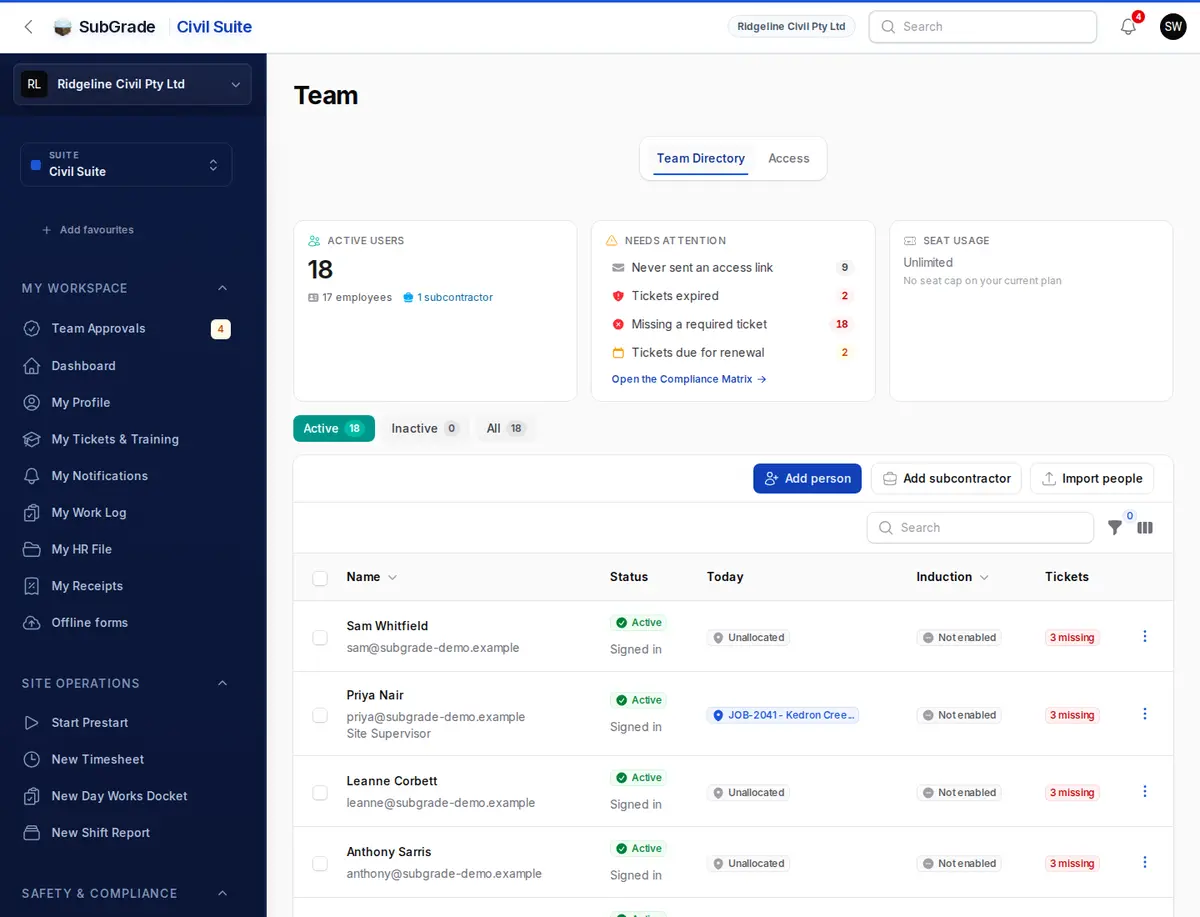
Loading your employees doesn't email them. Access links go out only when someone chooses to send them, so you control when your team starts. See User Onboarding.
If you are preparing a migration, contact your Subgrade onboarding contact early so the work can be staged with minimal disruption.